elasticsearch密码也是作为节点与主控连接的密码,如果泄露了,务必修改密码,分为两步,方法如下:
1. 修改节点上的es密码
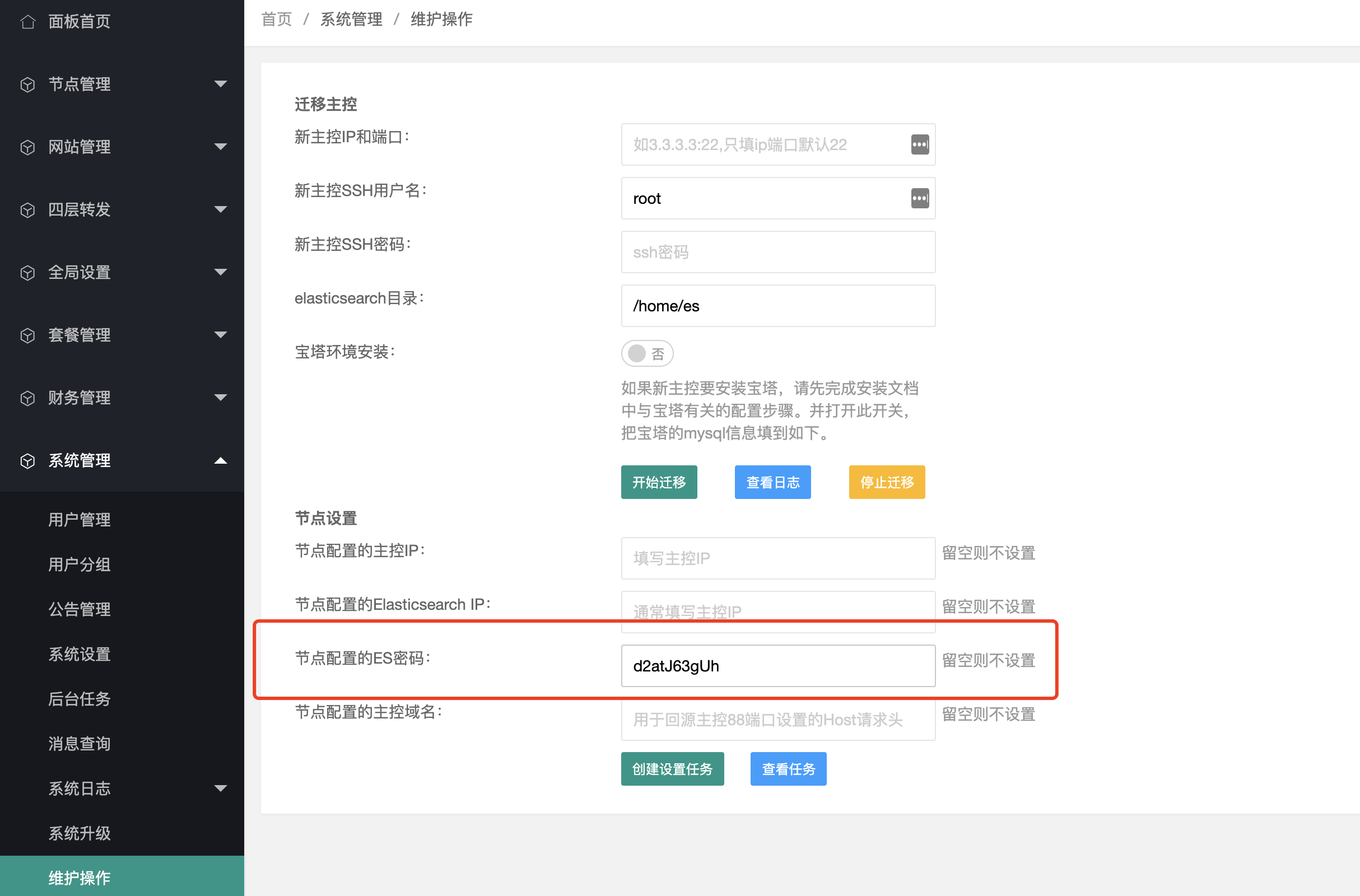
登录主控后台,切换到系统管理-》维护操作,在节点设置里输入新的ES密码,然后点击创建设置任务,如图:
 或者登录节点手动执行命令修改:
es_pwd="这里替换为新的es密码";
sed -i "s/ES_PWD =.*/ES_PWD = \"$es_pwd\"/" /opt/cdnhao/agent/conf/config.py;
sed -i "s/password:.*/password: \"$es_pwd\"/" /opt/cdnhao/agent/conf/filebeat.yml;
sed -i "s/agent-pwd:.*/agent-pwd: \"$es_pwd\"/" /opt/cdnhao/agent/conf/filebeat.yml;
supervisorctl -c /opt/cdnhao/agent/conf/supervisord.conf restart filebeat;
supervisorctl -c /opt/cdnhao/agent/conf/supervisord.conf restart agent;
supervisorctl -c /opt/cdnhao/agent/conf/supervisord.conf restart task;
2. 修改主控上的es密码 登录主控服务器,执行命令
es_pwd="这里替换为新的es密码";
eval `cat /opt/cdnhao/master/conf/config.py | grep LOG_PWD`;
curl -u elastic:$LOG_PWD -X POST "http://localhost:9200/_security/user/elastic/_password" -H "Content-Type: application/json" -d "{\"password\": \"$es_pwd\"}";
sed -i "s#LOG_PWD=.*#LOG_PWD=\"$es_pwd\"#" /opt/cdnhao/master/conf/config.py;
supervisorctl -c /opt/cdnhao/master/conf/supervisord.conf restart all;